

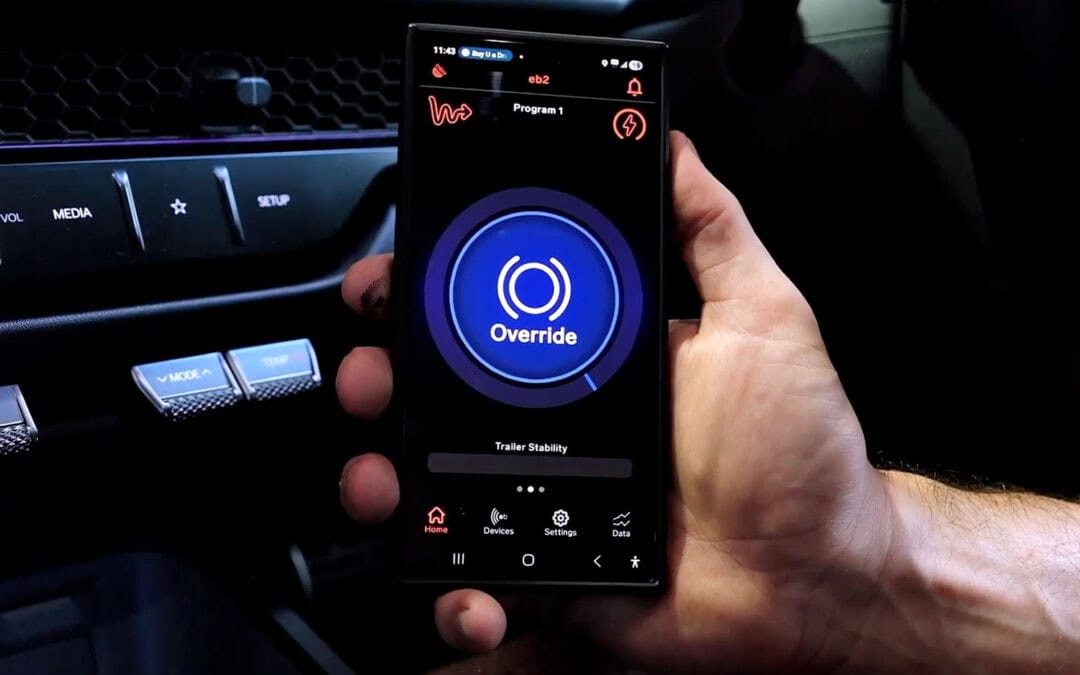
If you’ve just had an Elecbrakes brake controller fitted and you’re staring at the app wondering where to start, you’re not alone. One of the most common questions we get is what the numbers on the app mean and where you should set them. In the video below, Josh from Speedy Towbars provides a walkthrough of the settings and how to adjust them from your smartphone or car infotainment system.
Finding Your Settings
When you open the Elecbrakes app, you’ll see your minimum and forward preset options on the main screen. The most efficient way to manage everything is to head into Settings and select your program. Elecbrakes gives you five program slots, and you can name each one to a specific trailer, caravan or boat. Once you’re inside a program, you can see and adjust your minimum, forward and reverse response settings all on the same screen.
Minimum Response
This is the setting that gets the most questions. Minimum response controls where your brakes start braking. Think of the numbers as a percentage. At a setting of 10, when you press the brake pedal in the vehicle your trailer brakes will begin applying at 10%. This will gradually build up to 50% (if your forward response is set to 50) based on the deceleration your controller detects.
You can adjust the settings by sliding the number up or down according to your preference, the weight of your trailer and how you want the braking to feel.
We recommend starting with your minimum response set to 10 and your forward response set to 50. You can then adjust as you get a feel for your towing setup.
Reverse Response
Elecbrakes has given the reverse response its own separate setting. This is because having your brake controller set too high while reversing can make it really difficult to manoeuvre your caravan or trailer. If you’re in a tight reversing situation, you can set it to a lower number. You can then go higher again if the terrain requires.
Again, our recommended starting point is 10. Slide it up or down from there based on what works for your setup.
Override Preset
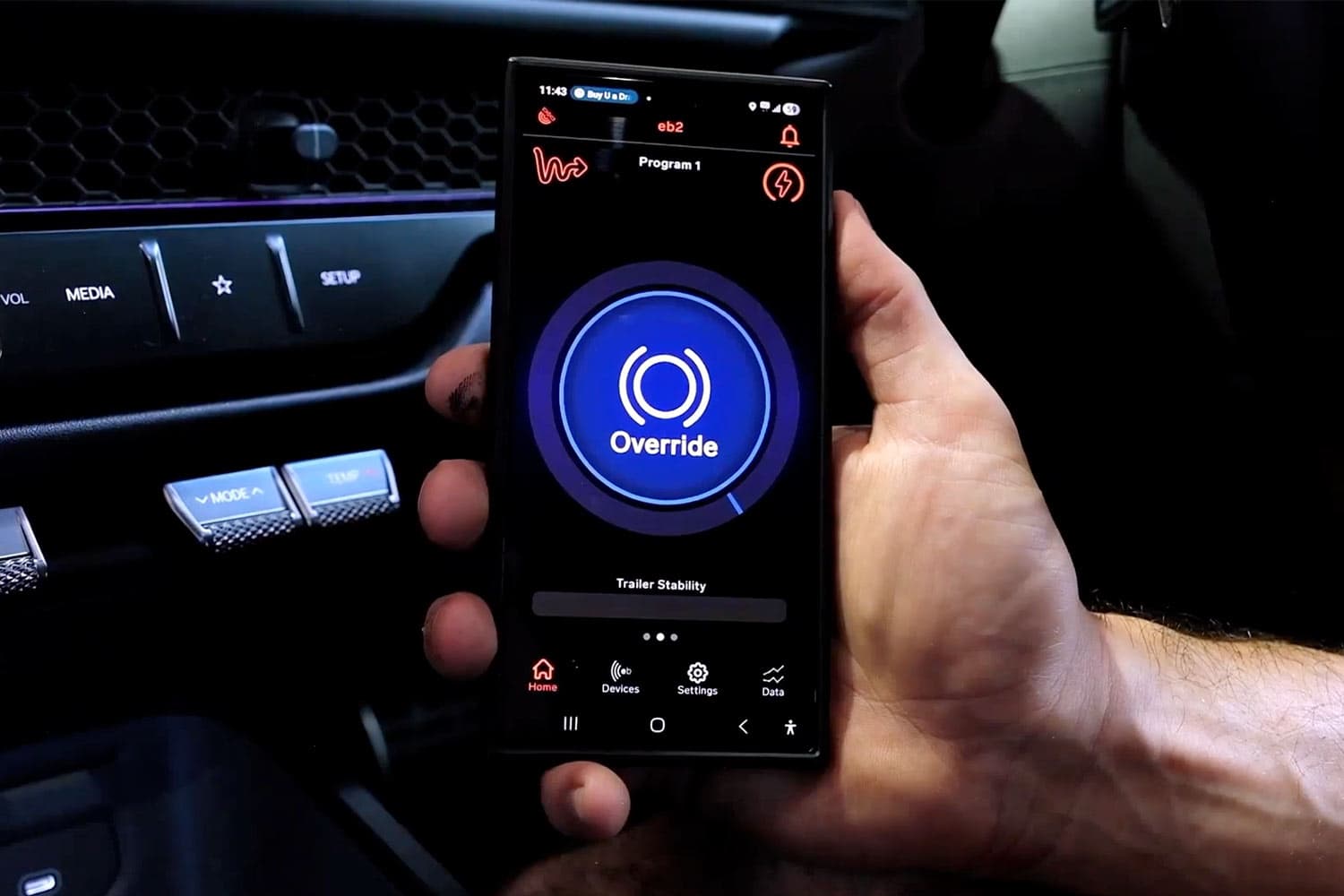
The override function does exactly what its name implies, overriding your presets to manually apply the trailer brakes. This is done in an emergency or if the trailer is swaying, providing an opportunity for the tow vehicle to regain control of the situation.
It’s a good idea to set your override fairly low, as if it’s too high it could lock up the trailer brakes. That’s not really what you’re after! Elecbrakes set it at 35, and we recommend keeping it there. That’s 35% braking capacity, which should get the job done nicely for you.
SwayControl
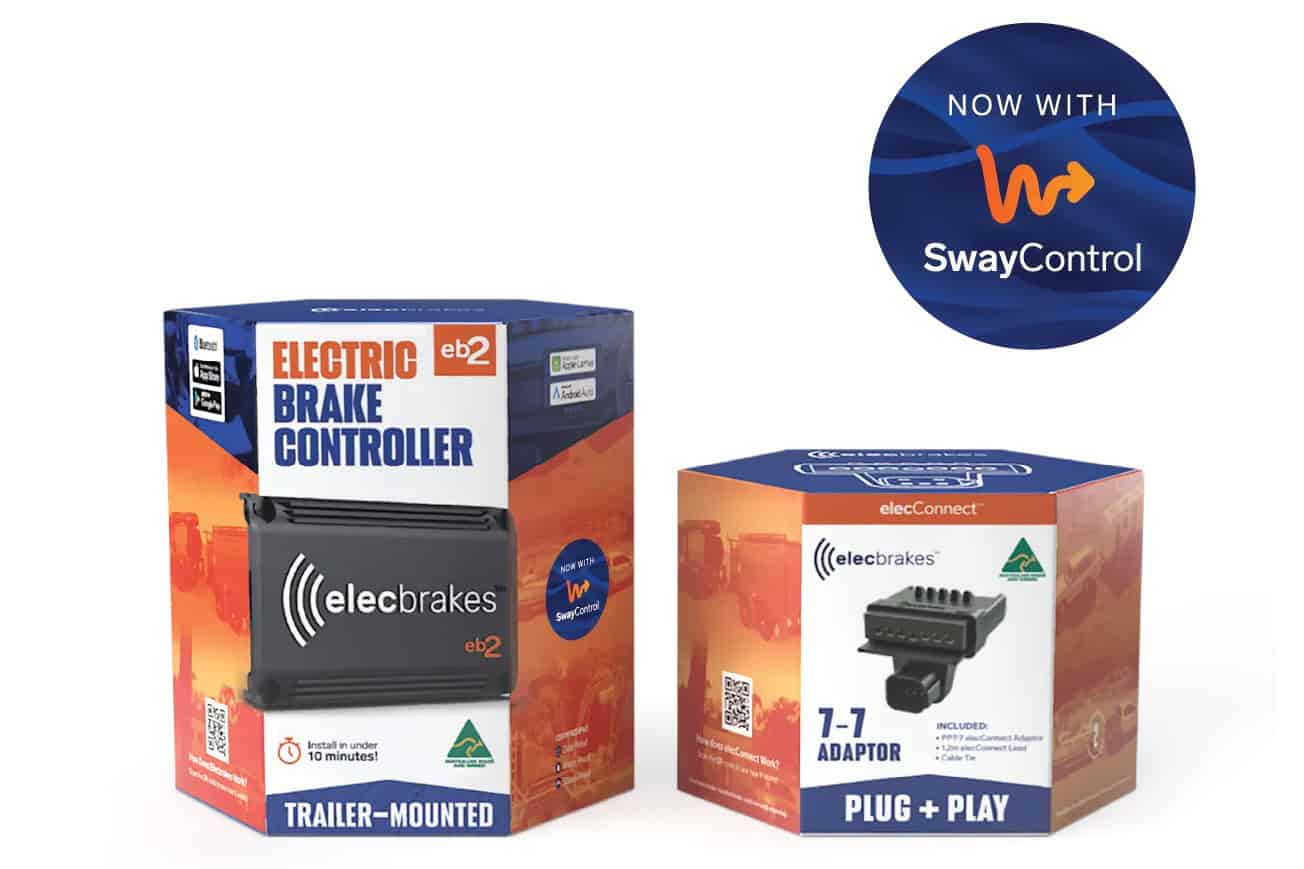
SwayControl is an Elecbrakes function that monitors for trailer sway and automatically applies the trailer brakes if it detects it. It’s an awesome safety feature that’s available on both the EB2 and VM1 brake controllers. If you have an older version, you can get SwayControl through a firmware upgrade via the Elecbrakes app.
It’s easy to adjust the SwayControl sensitivity from high to low using the toggle in the app. The higher the number, the more sensitive the controller will be to sway.
We recommend you set this at halfway. If you’re driving in windy conditions and finding the brakes are activating too often, dial the sensitivity back from there.
Adjusting on the Go with Android Auto and Apple CarPlay
One of the more practical features of Elecbrakes is that you can adjust all of these settings through your car’s infotainment screen using Android Auto or Apple CarPlay. Rather than reaching for your phone while driving, you get plus and minus buttons for minimum response, forward response, reverse response, manual override and SwayControl. You can also switch between programs and check your presets for each one directly from the infotainment screen.
Saving Profiles for Multiple Trailers
If you’re towing multiple trailers, each one can have it’s own profile saved to a named program. When you hitch that trailer up, select the relevant program and you’re good to go. No fiddling around with the settings every time you need to tow.
Contact Speedy Towbars for Your Elecbrakes Installation
Are you in the market for a new electric brake controller for your towing setup? The Elecbrakes VM1 and EB2 come highly recommended from the Speedy Towbars team. They incorporate advanced technology, an easy installation process and true plug and play operation to make them one of the most popular options on the market. Plus, the app and car infotainment integration makes them simple to use.
If you want to book your Elecbrakes installation, or you have any questions about the product, get in touch with us here or give us a ring on 1300 SPEEDY. We’re always here to help!

Jordan is the co-owner of Speedy Towbars and a trusted source of towbar knowledge for Queensland drivers. When he's not installing towbars, he treasures time with his family and hitting the road for caravanning adventures!